Find useful light before finding a background
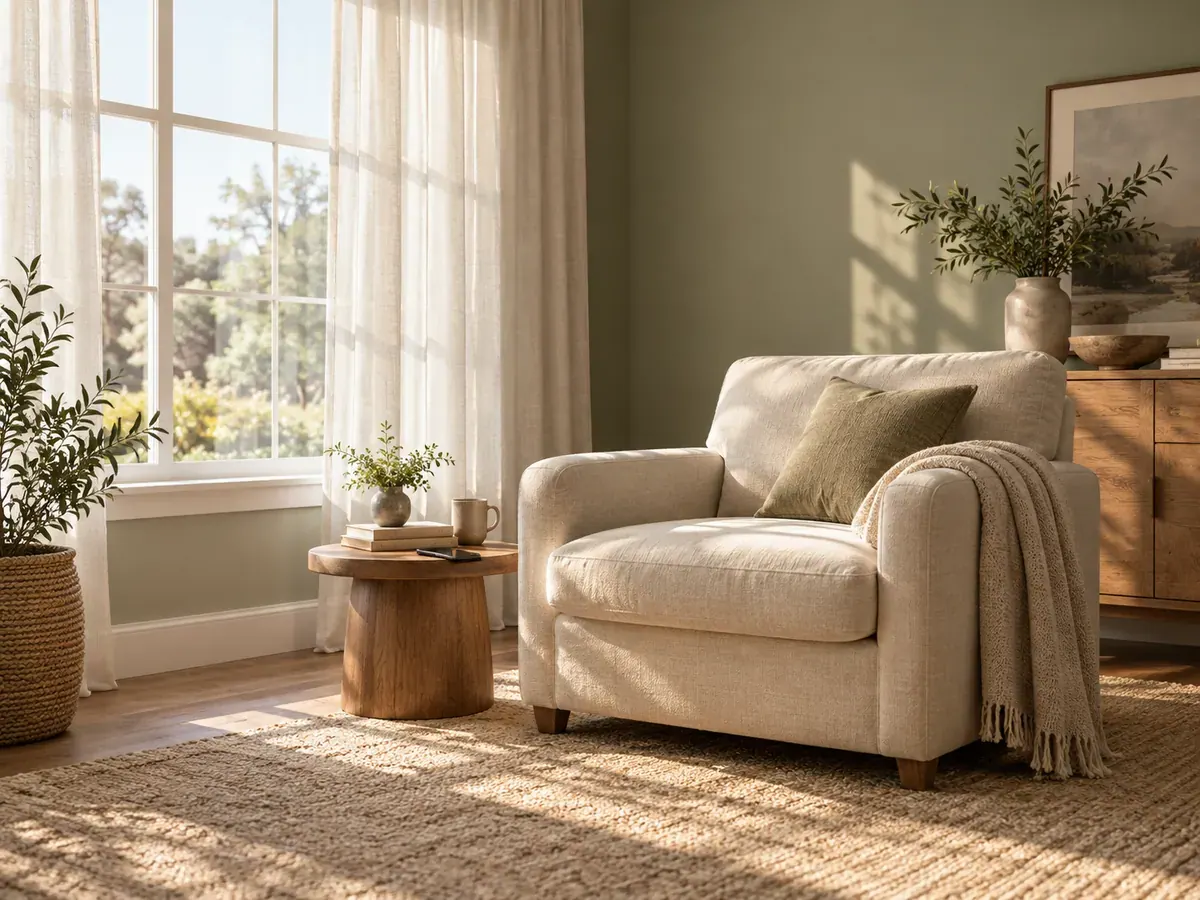
A beautifully styled corner is not always the easiest place to photograph a face. Start by looking at the ordinary places where a caregiver can sit comfortably with an awake baby. Take a test picture of an adult in each spot and compare them.
Choose the place where both eyes and the shape of the cheeks remain readable. A little shadow can look pleasant; a dark half-face that you cannot recognise is less useful for a source photograph. Avoid making the window itself the main attraction unless you deliberately want a silhouette for your personal album.
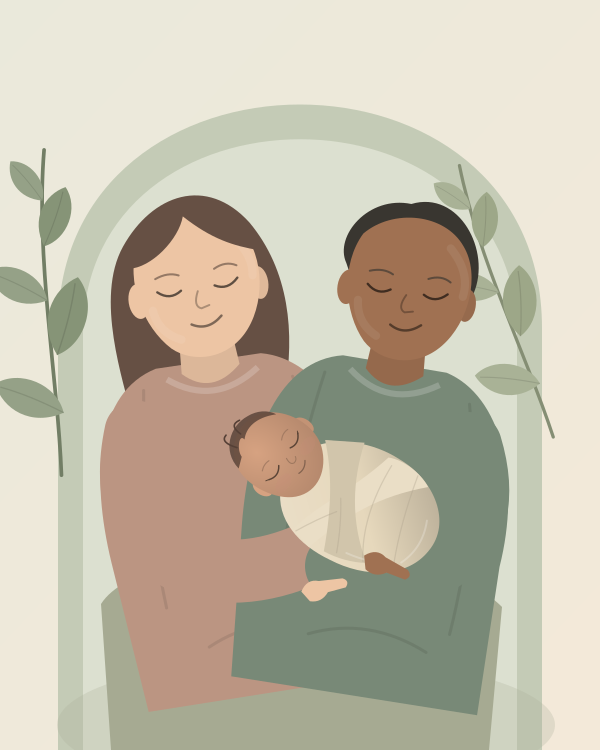
This guide uses a supported awake cuddle as its main example. If you photograph a sleeping baby, leave them on their back in a clear, approved infant sleep space. The NIH describes the required firm, flat, level surface and fitted-sheet-only setup. Good light is something to find around a safe setup, not a reason to improvise a different sleep surface.
Read the light with a simple test
Hold your own hand where the caregiver’s face would be, or ask an adult to sit there. Look at the shadow it creates. Is it sharply outlined? Does a bright strip cross the skin? Does the room side of the face look much darker than the window side?
Now take a picture. A camera preview can look reassuring until you examine the saved image. Compare the highlight on the cheek, the detail in the eyes, and the background. This is a practical test of your room, not a measurement you need special equipment to perform.
If direct sun lands across the intended position, wait for it to move or choose another window. An already fitted sheer curtain may help the room look gentler, but do not rig loose fabric, clips, or cords near the baby to build a lighting setup.
Arrange one comfortable window-side portrait
Put the caregiver where they can relax
Seat the caregiver securely at a comfortable angle to the window, holding an awake baby with the head and neck supported. The parent should not have to lean forward or keep turning the baby toward the light. Choose comfort first, then adjust the photograph around it.
Start with the window off to one side of your camera position. Take a test frame and decide whether you want a little more of the window-facing cheek or a little more of the room-facing cheek. A small change in where you stand is often enough to explore the difference.
Keep your own shadow out of the picture
If you stand between the window and the family, your body may make the face look unexpectedly dark. Move slightly sideways and compare another frame. Ask your helper to stay settled while you try the alternative.
Keep the phone securely held and away from the baby’s space. You do not need to hold it overhead, climb on furniture, or lean across the child to find a pleasant angle. A clear side view is a worthwhile result.
Choose the background by moving the camera
A half-step can replace a bright television with a plain wall or remove a doorway from behind someone’s head. Before changing the baby’s position, look at the four edges of the screen. Remove only the distractions that visibly compete with the face.
Set brightness for the face
Tap the face in the camera preview and check the result. On an iPhone, Apple’s camera tools documentation explains manual focus, exposure adjustment, and AE/AF lock. Equivalent controls vary by phone and camera app.
Do not judge brightness from the white wall alone. Your useful question is whether you can see the baby’s features without a washed-out patch on the skin. Make one small adjustment, take another picture, and compare the two saved files.
Avoid applying a dramatic filter to diagnose the light. Work from the ordinary photograph first. When several issues change at once, it becomes harder to know whether the setup improved or the filter merely hid a problem.
Troubleshoot four common room problems
The face is dark but the window looks lovely
Try moving your camera position so the window is less prominent behind the family. Keep the comfortable hold, then photograph from the window side of the room. Compare the face before worrying about a perfectly exposed view outdoors.
For example, a picture taken toward a patio door might show a beautiful garden and an unreadable baby. A picture taken across the room, with a plain wall behind the caregiver, may tell the family story much more clearly.
The picture looks orange on one side
Make a test with nearby decorative lamps switched off, provided the room remains comfortably lit. Compare that with the original. If the colour becomes more consistent, use the simpler lighting arrangement for this short set.
A strongly coloured wall or curtain may also be part of what you see. Rather than trying to correct every colour in an app, test a different camera angle or room. Keep the image that resembles how the person looks to you.
The face is clear but one cheek has a bright stripe
Choose another position or another time when the stripe is absent. Do not drape fabric over the baby to manage sunlight. If the lighting changes while you photograph, pause and repeat your adult test instead of chasing the patch across the room.
The room looks bright to me, but the photographs are soft
Check the saved image closely and see whether the problem affects the whole frame or mainly moving features. Google’s Pixel camera troubleshooting guide identifies low light as one cause of unclear photographs. Try a brighter comfortable location and compare; do not solve it by holding a lamp close to the baby.
Make a repeatable note for next time
Once you like a result, record three ordinary details: which room, roughly what time, and where the photographer stood. A quick picture of the empty room can remind you of the arrangement without turning the home into a permanent studio.
Your note might say, “Living room, cloudy afternoon, parent beside the large window, photographer near the bookcase.” Weather will still change the appearance, so repeat a test frame each time. The note simply gives you a reliable place to start.
Frequently asked questions
Which direction should the window face?
Begin with the windows available in your home. Compare the actual light instead of assuming that one compass direction will always work. Neighbouring buildings, trees, curtains, and weather can all change what you see in that room.
Do I need a reflector or lighting kit?
For this simple setup, start without extra equipment. Choose a window and camera angle that already give a readable face. If the room remains difficult, another ordinary location may be more convenient than building a complex arrangement around the baby.
Can I take newborn photos on a cloudy day?
Try an adult test photograph and judge the result. If the face looks clear and the room feels comfortable, you have a useful starting point. If the saved image is too dark or soft, try another window or postpone the photographs.
Should I edit every picture to be very bright?
Choose a consistent appearance that keeps skin and clothing detail. Extremely bright editing is a stylistic choice, not a requirement for a good newborn portrait. Keep an untouched original so you can revisit the decision later.
Use the phone photography guide for the complete session routine, and the blurry-photo troubleshooting guide when focus or movement still needs attention.
For an edited collection, check the photo guidelines and explore the newborn studio. Simple, readable light makes it easier to assess your uploaded photographs.
Sources